Emoji menu: Control+⌘+Space (Mac) or Win+. (PC)
Reposition
Use mouse to drag image. Use scroll wheel or trackpad to zoom.
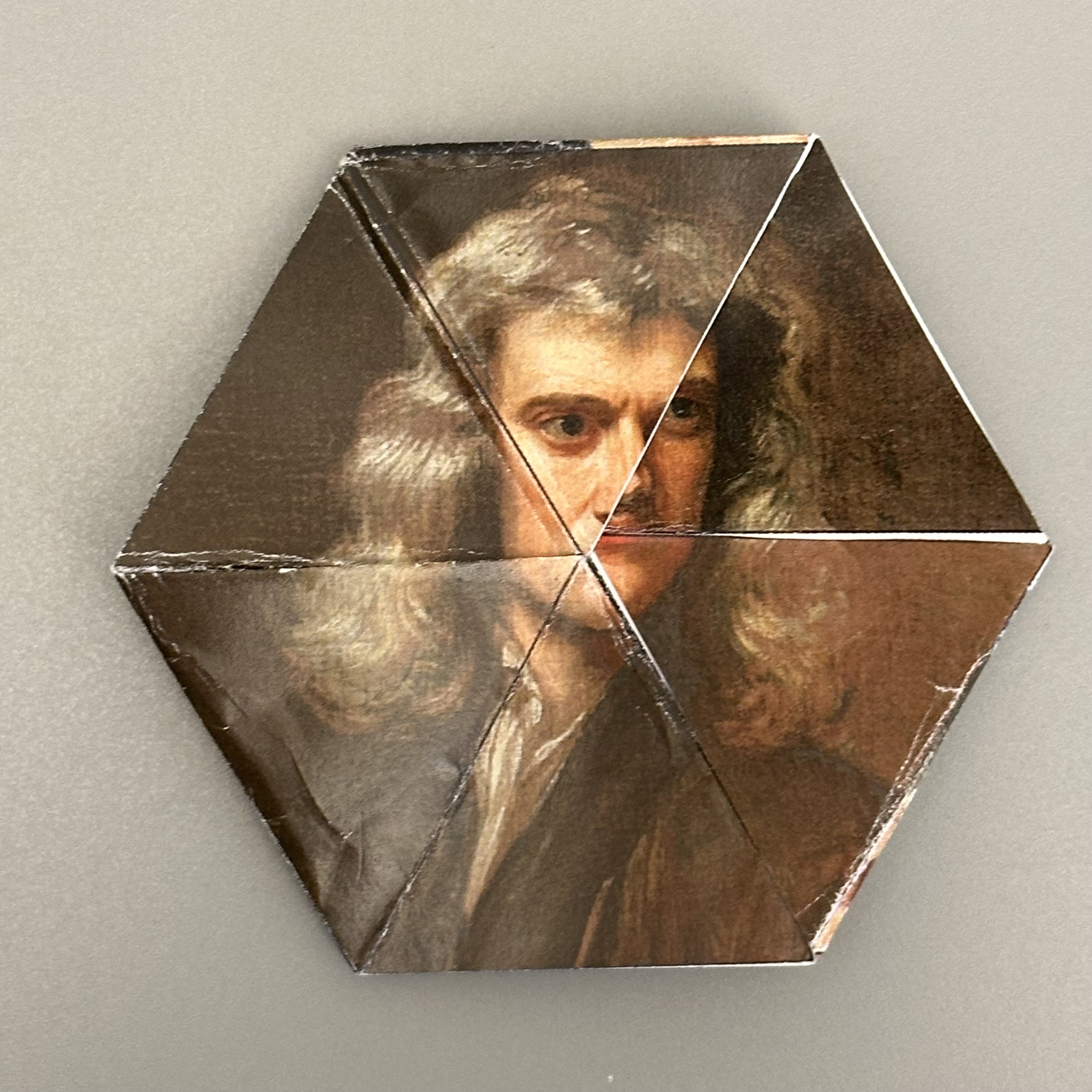
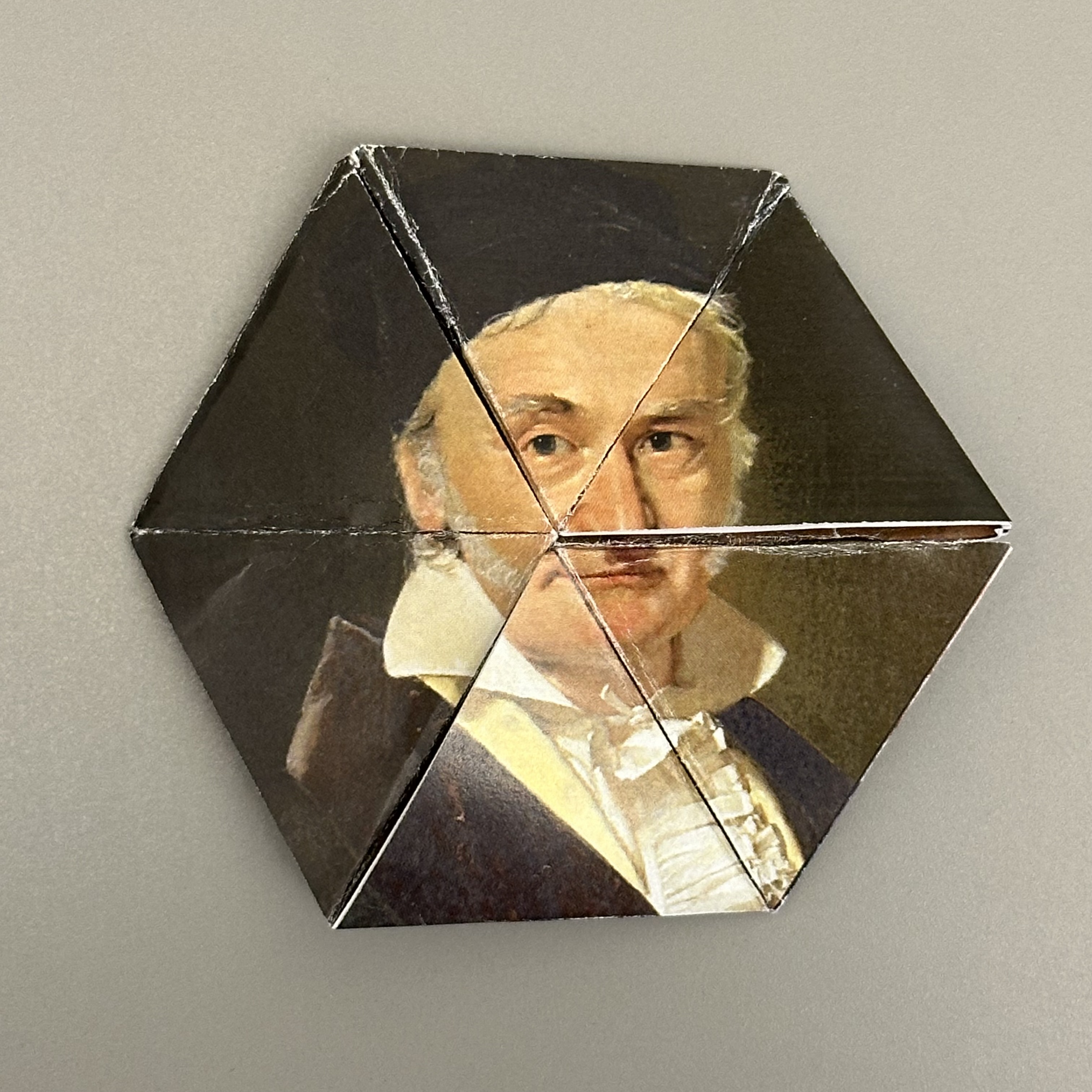
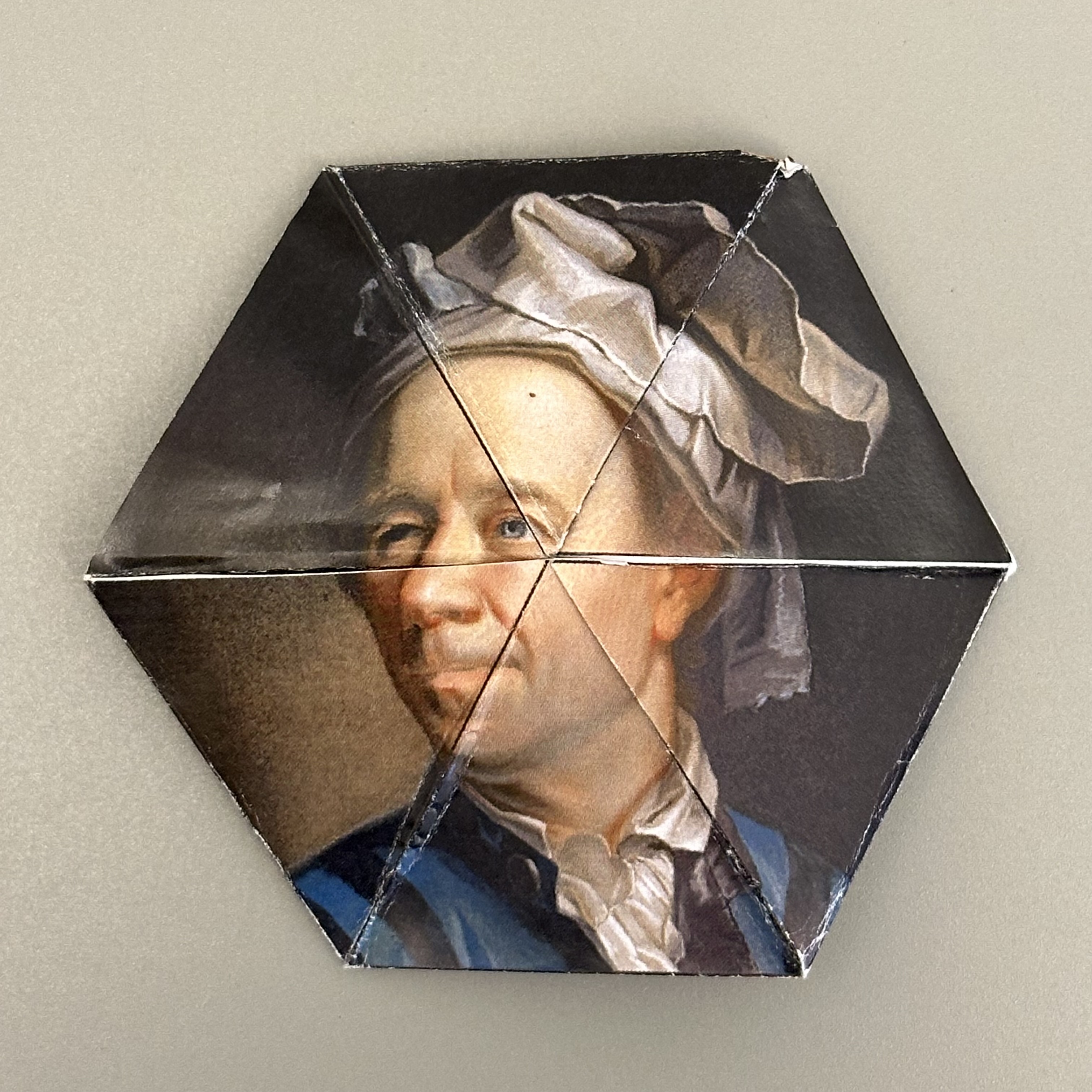
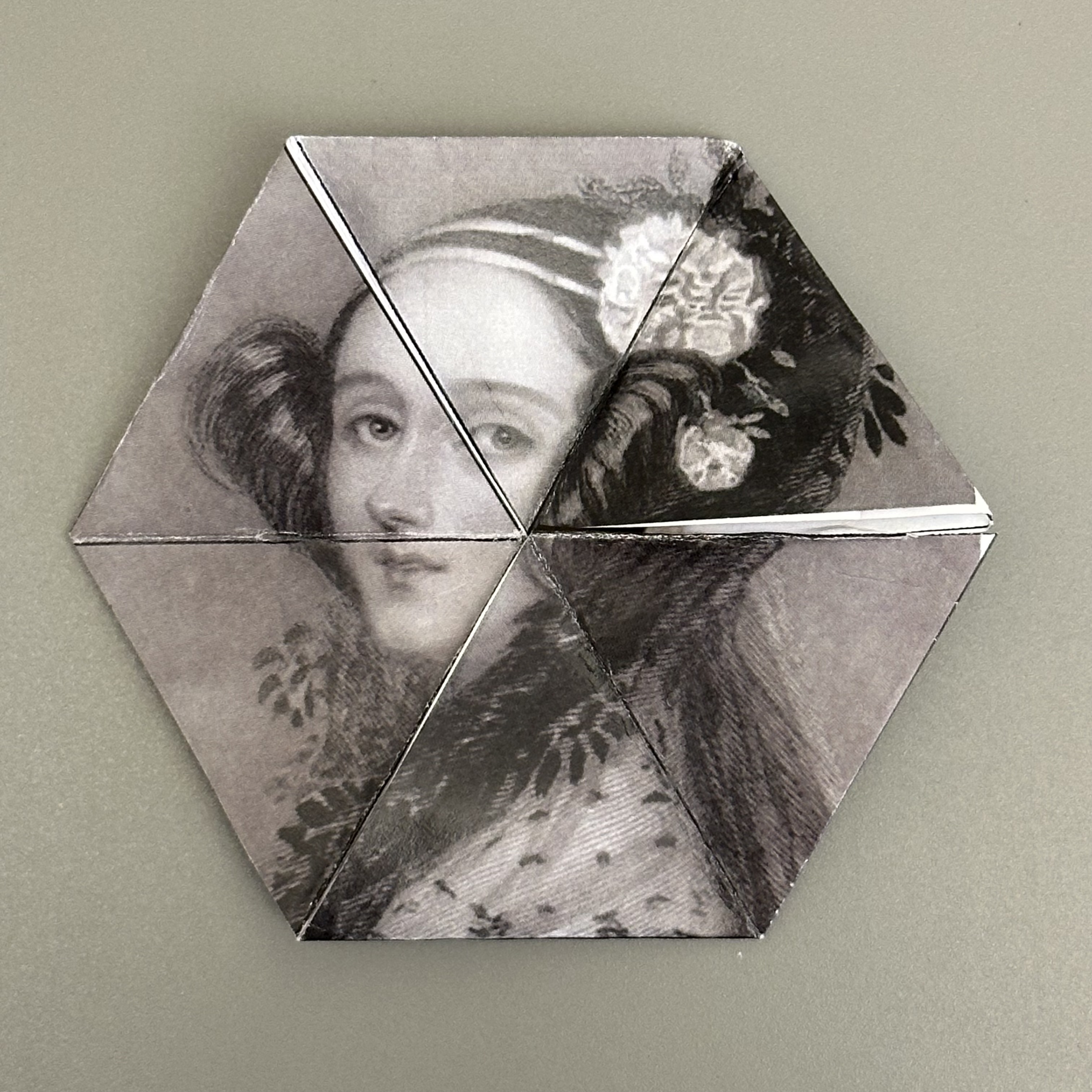
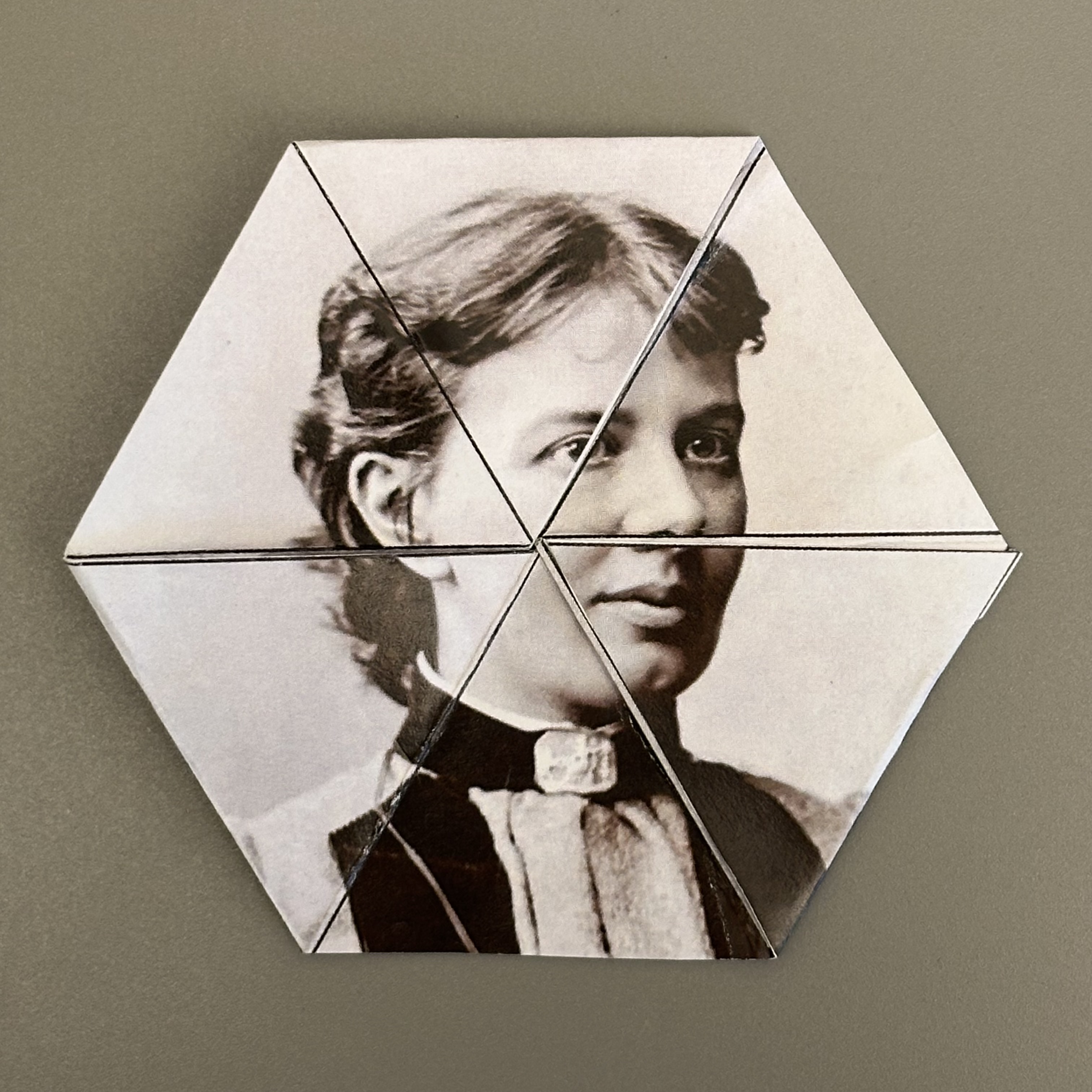
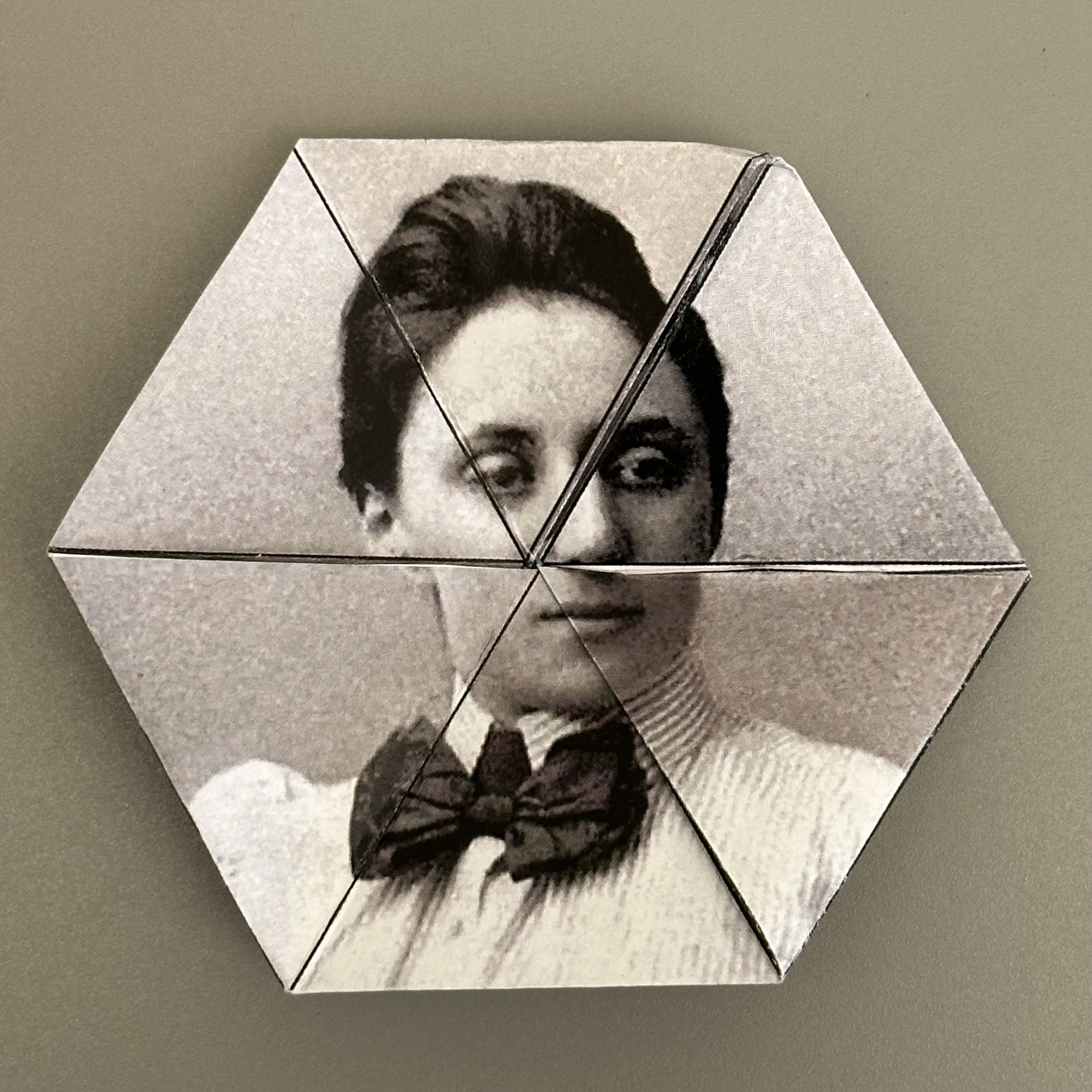
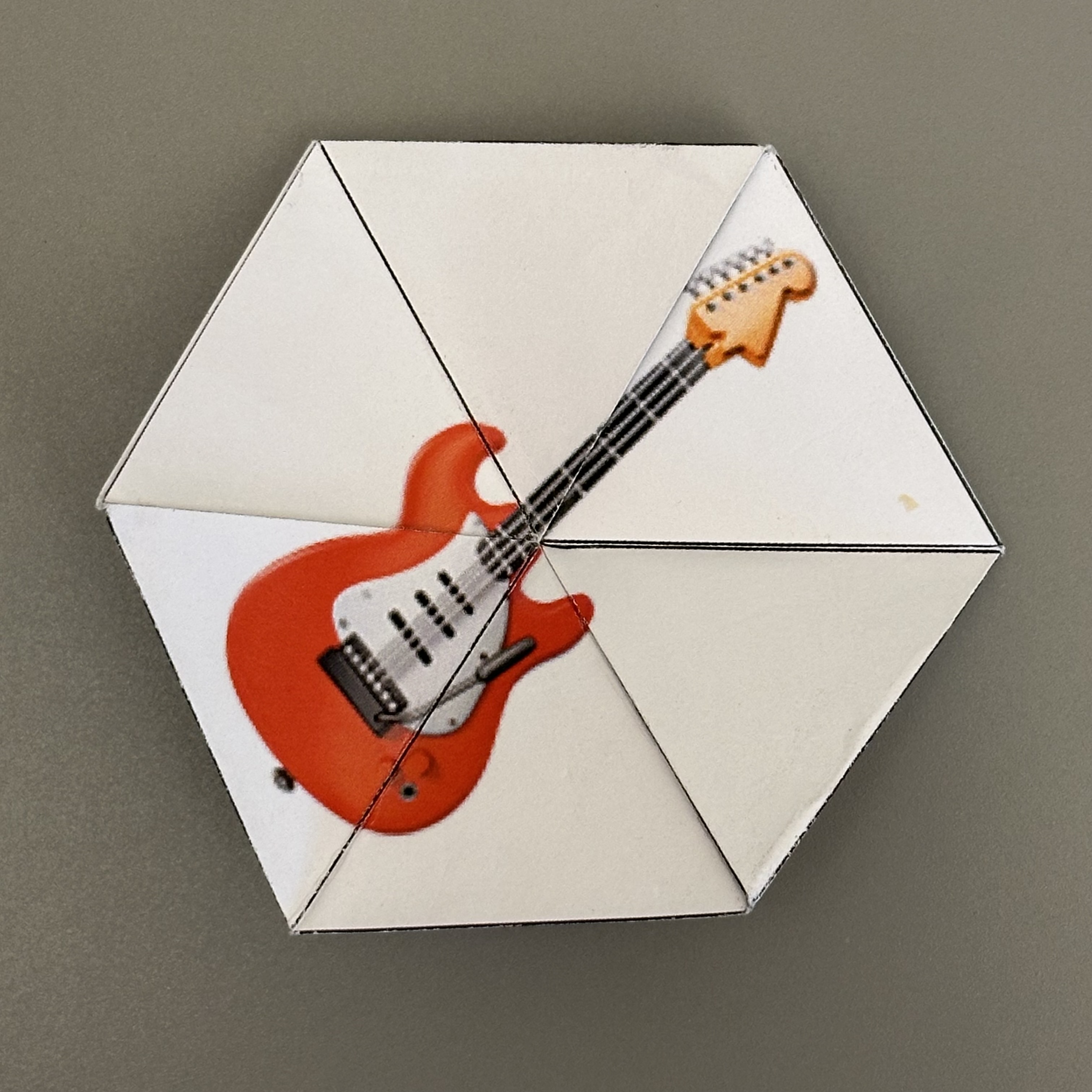
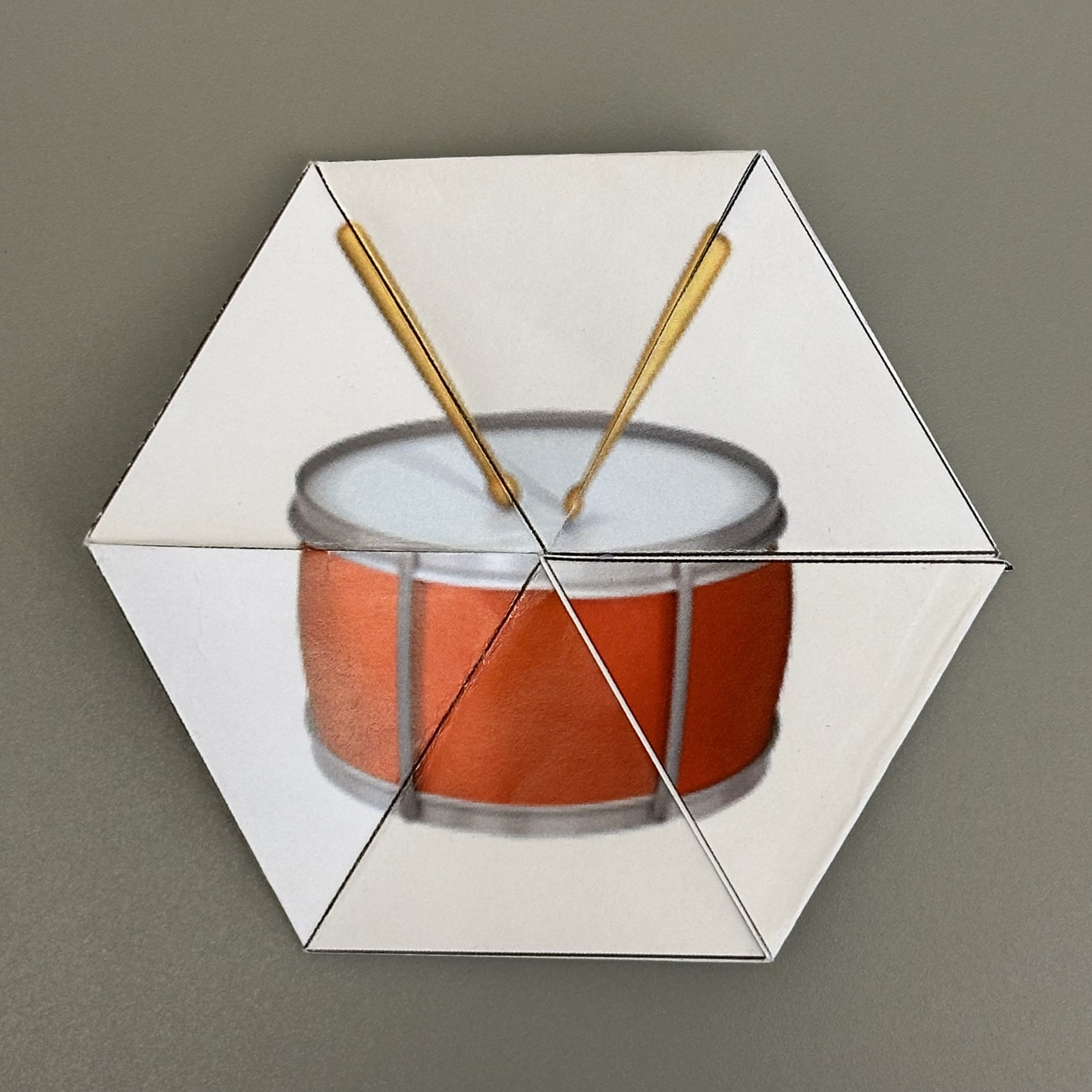
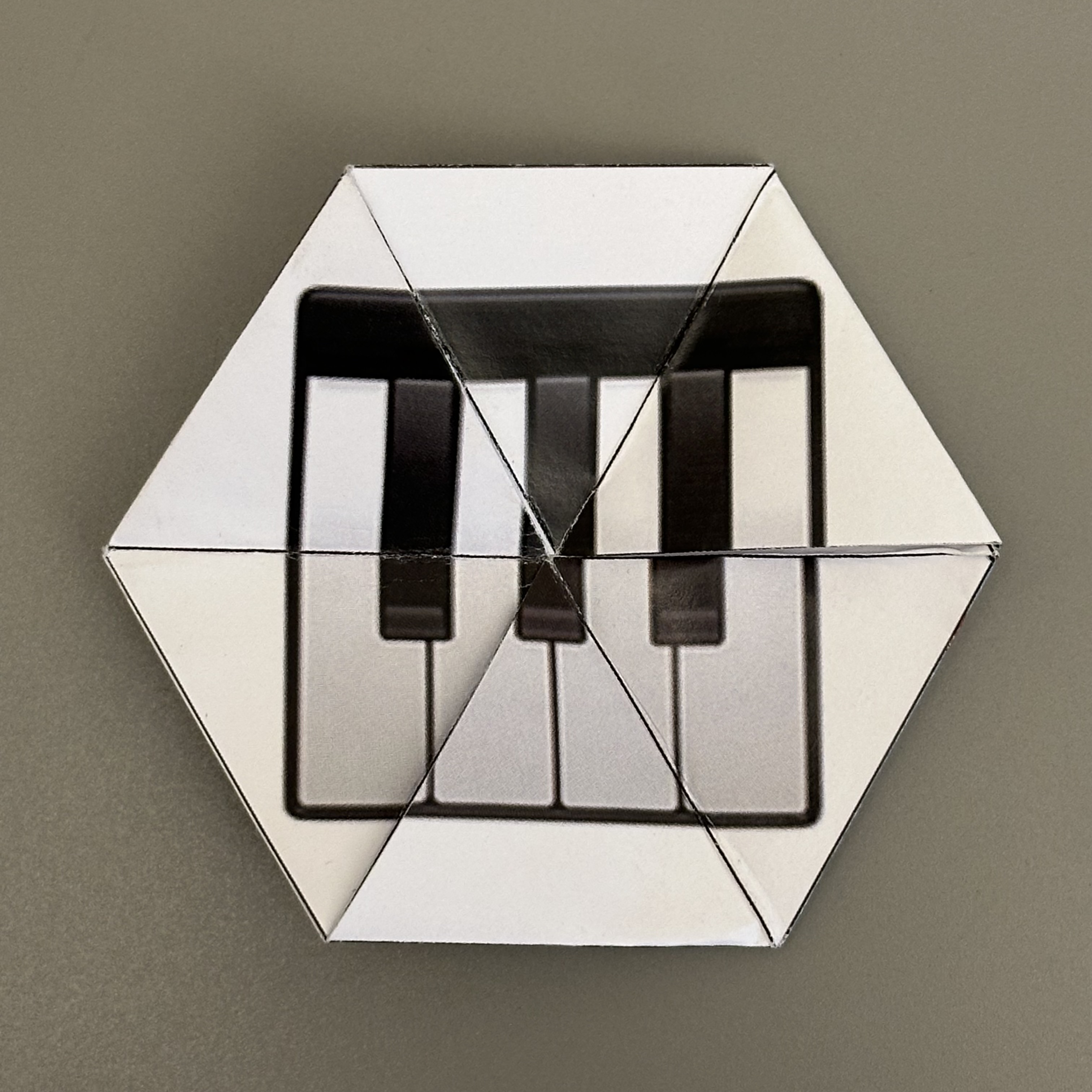
Make your own trihexaflexagon! Add an image, text, emoji, or color to each face.
Emoji menu: Control+⌘+Space (Mac) or Win+. (PC)
Use mouse to drag image. Use scroll wheel or trackpad to zoom.
Emoji menu: Control+⌘+Space (Mac) or Win+. (PC)
Use mouse to drag image. Use scroll wheel or trackpad to zoom.
Emoji menu: Control+⌘+Space (Mac) or Win+. (PC)
Use mouse to drag image. Use scroll wheel or trackpad to zoom.
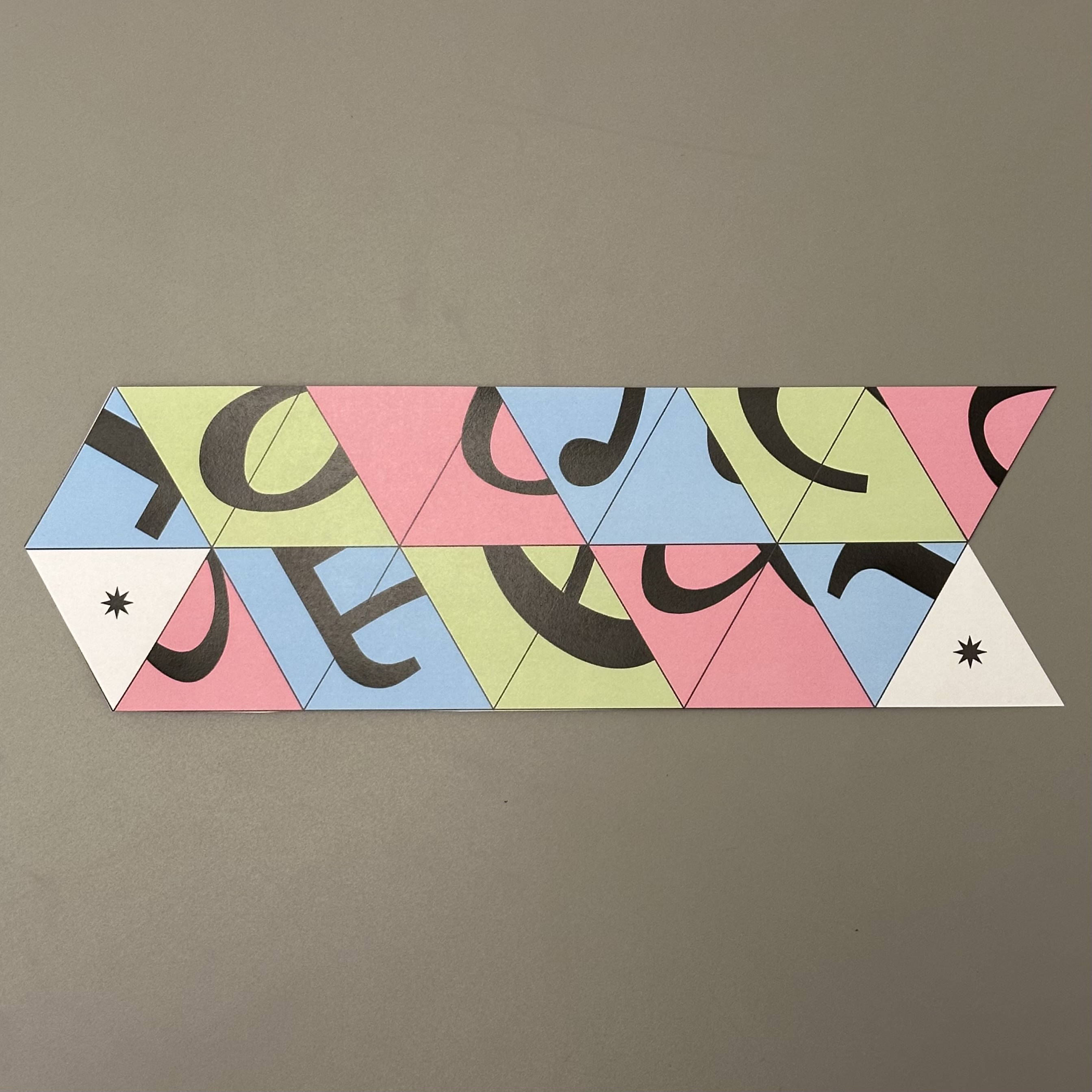
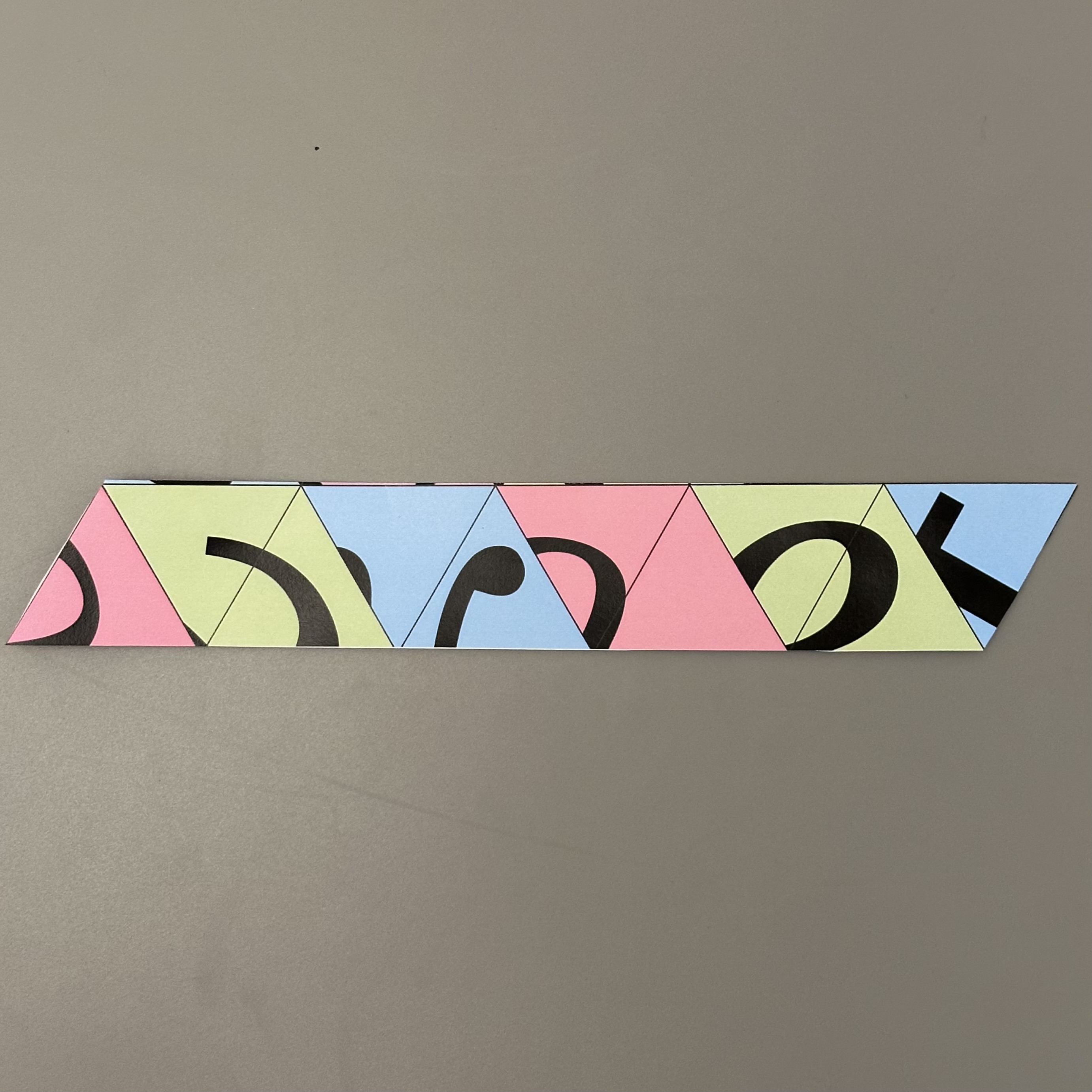
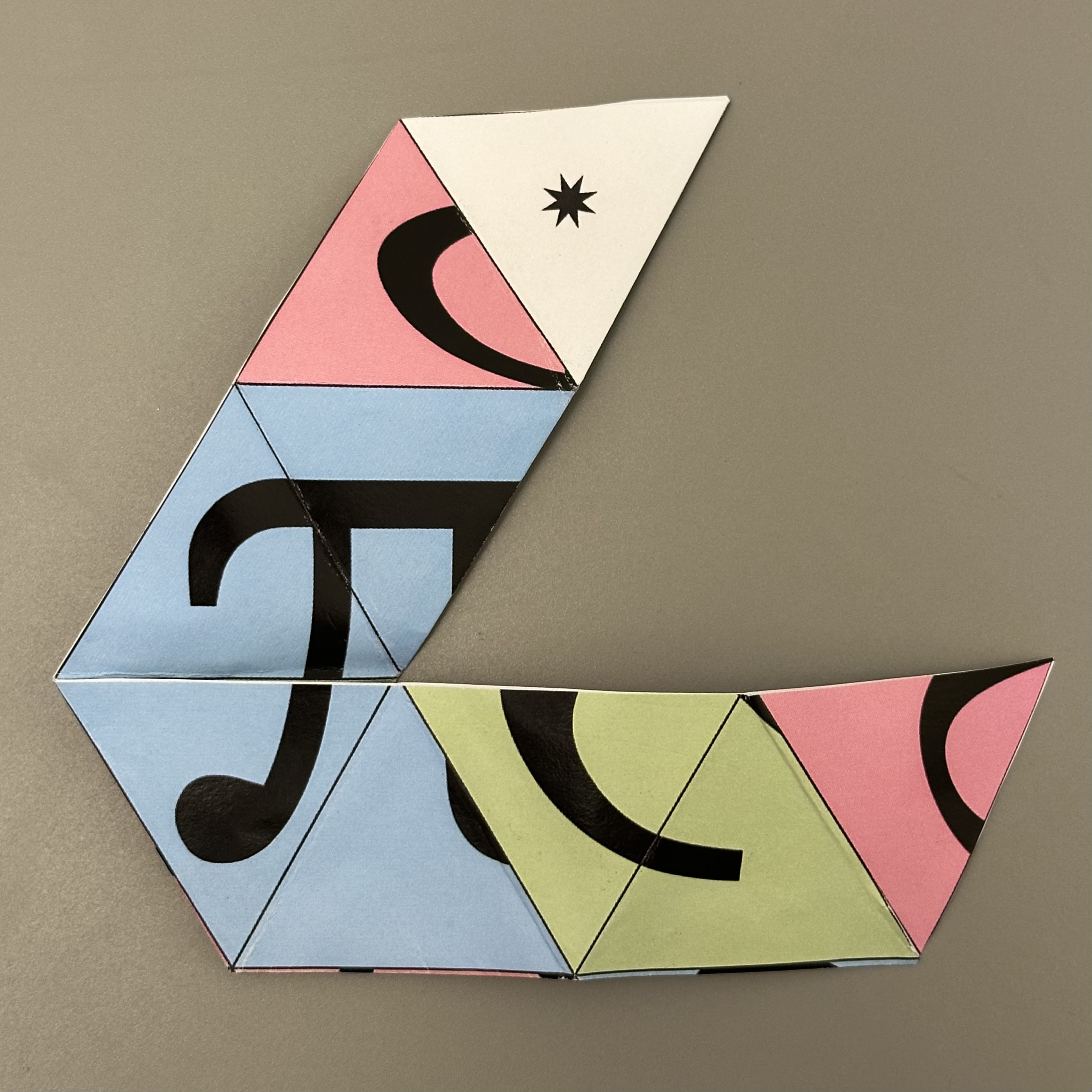
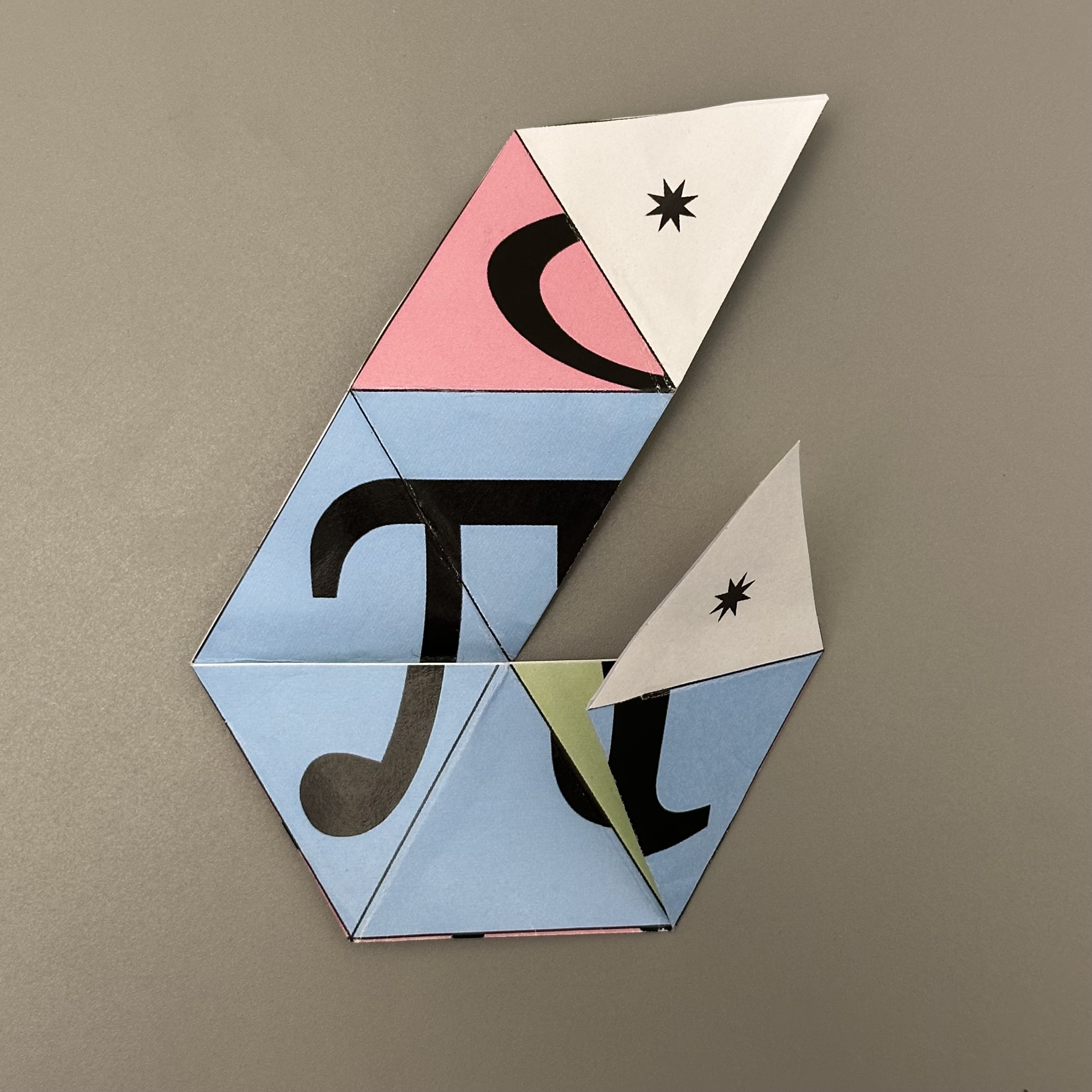
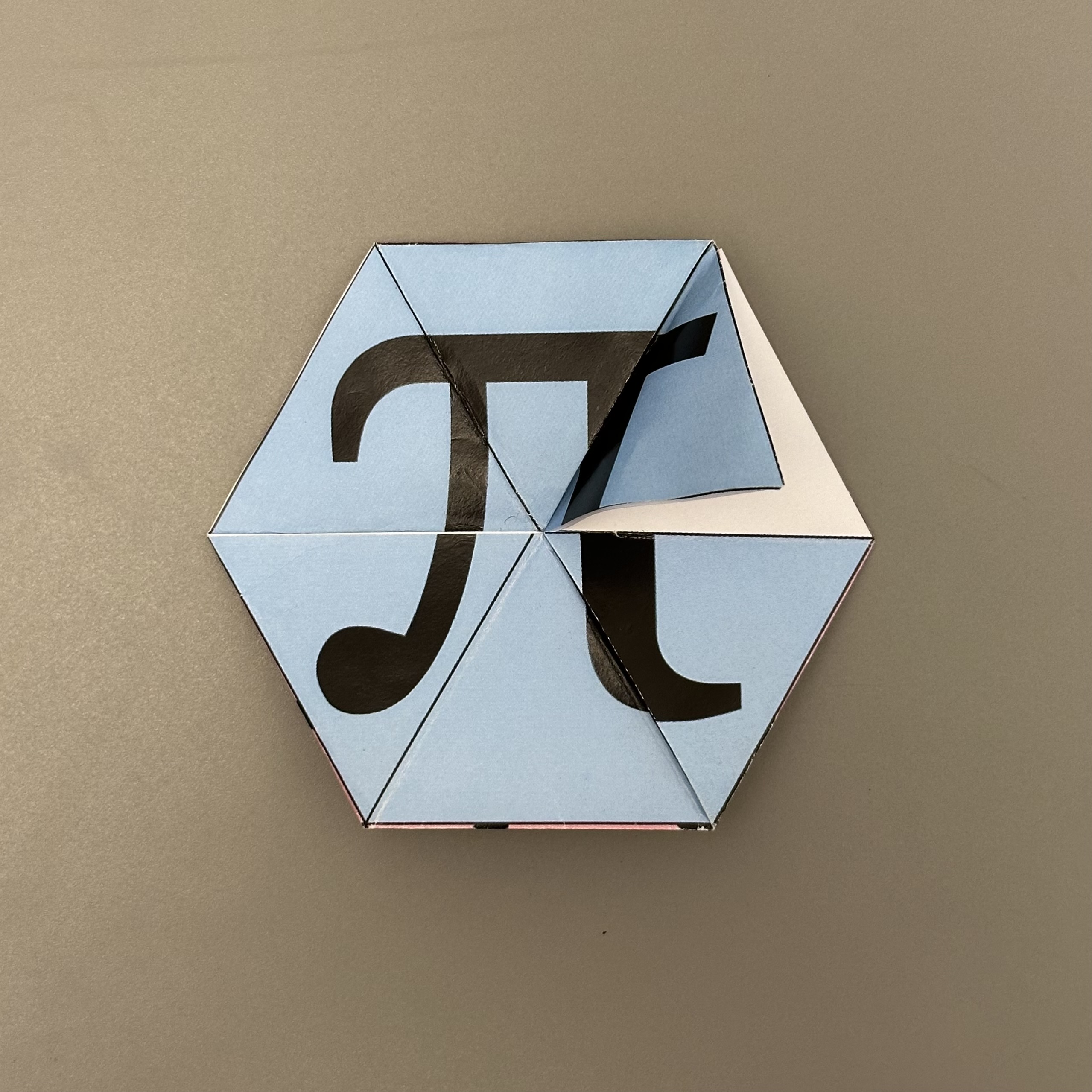
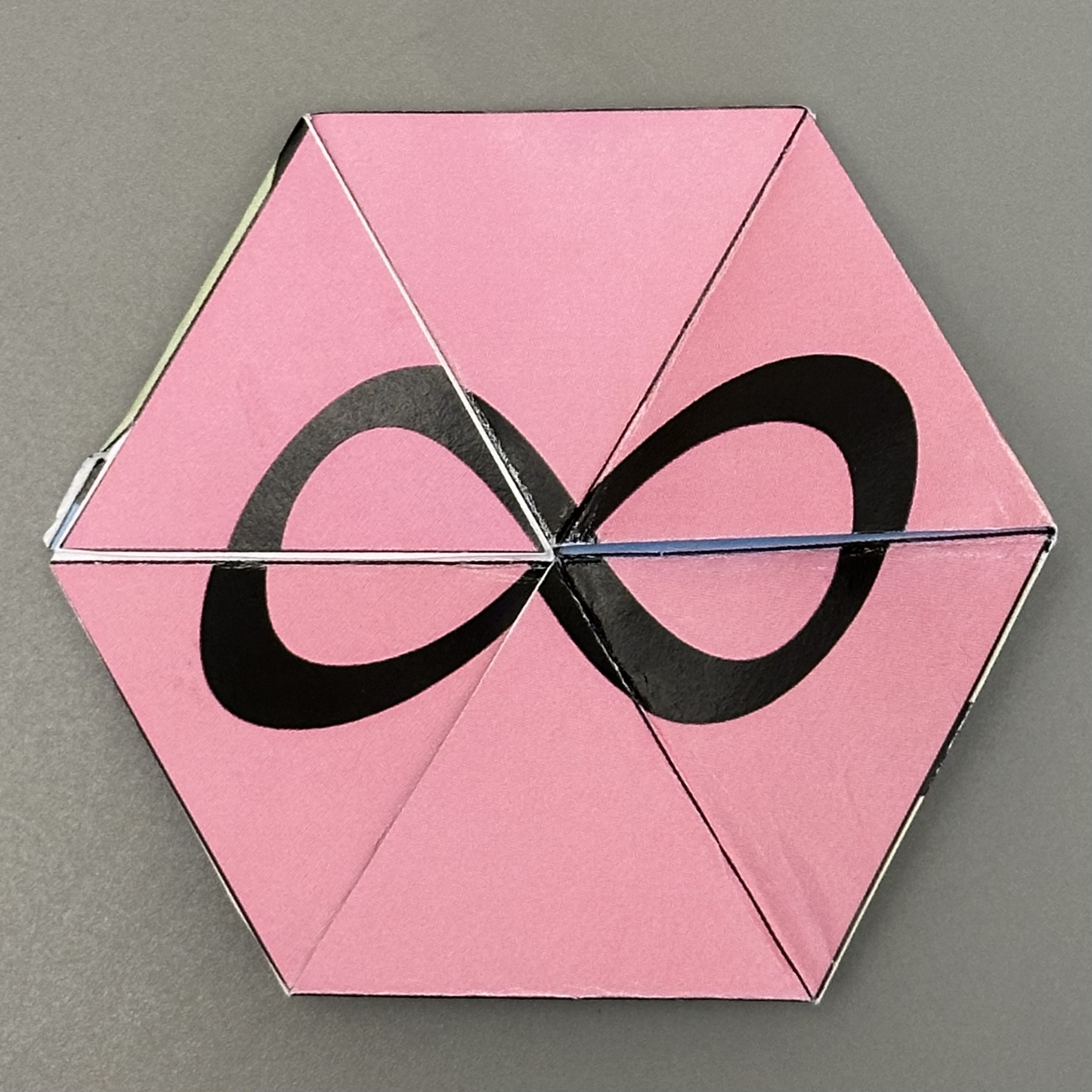
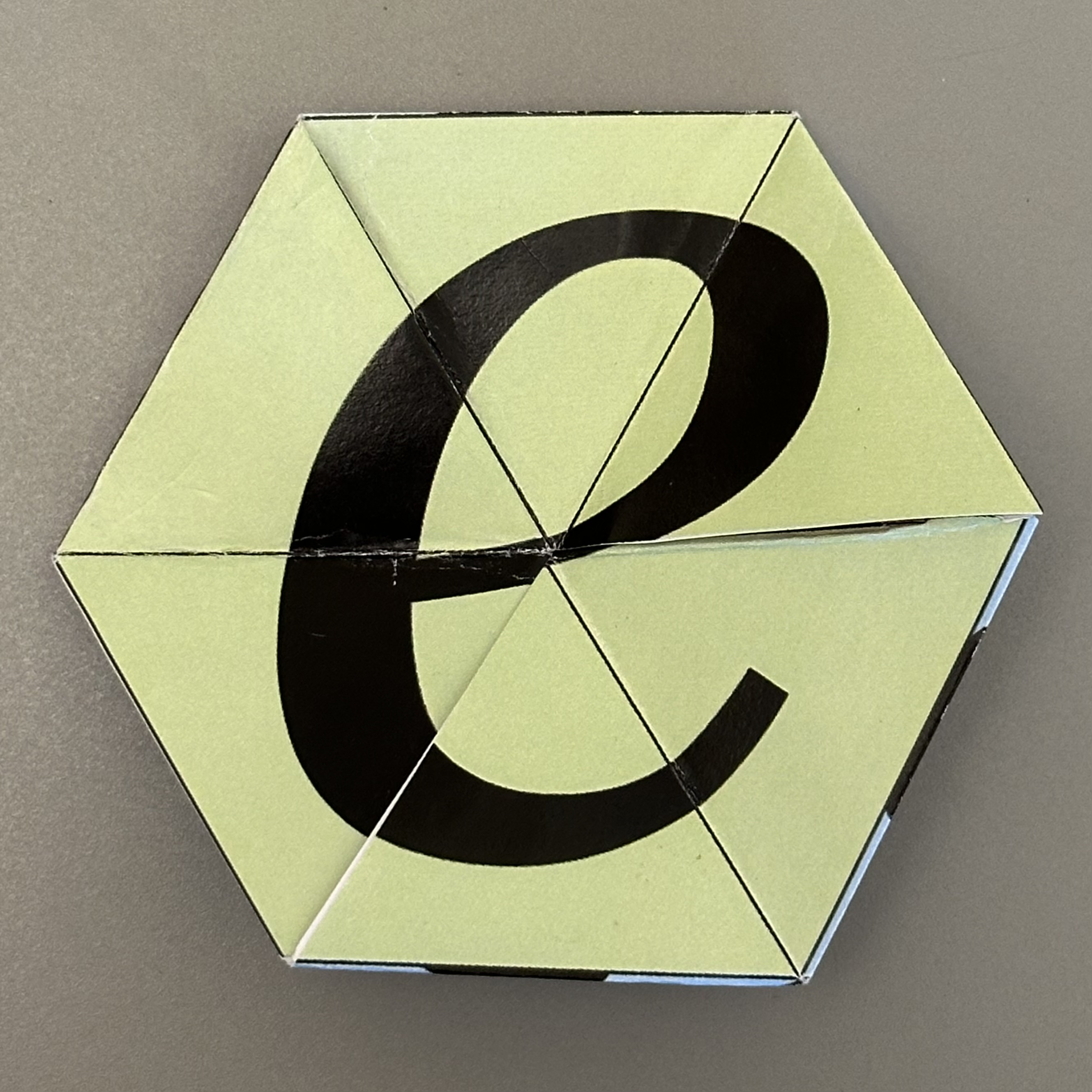
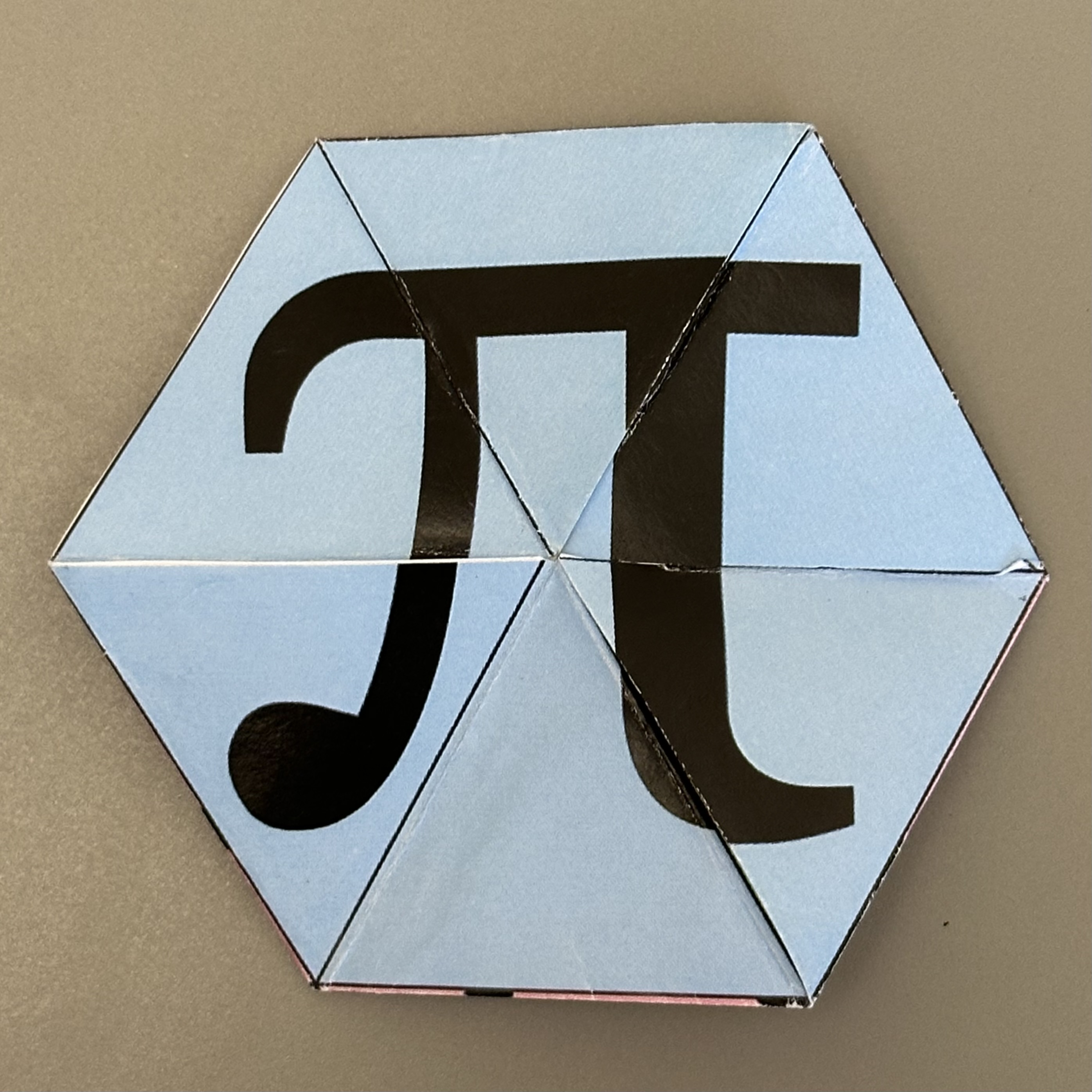
The standard move for a trihexaflexagon is the pinch flex. Each flex reveals a hidden third face.
The photos and video below show the pinch flex in action.
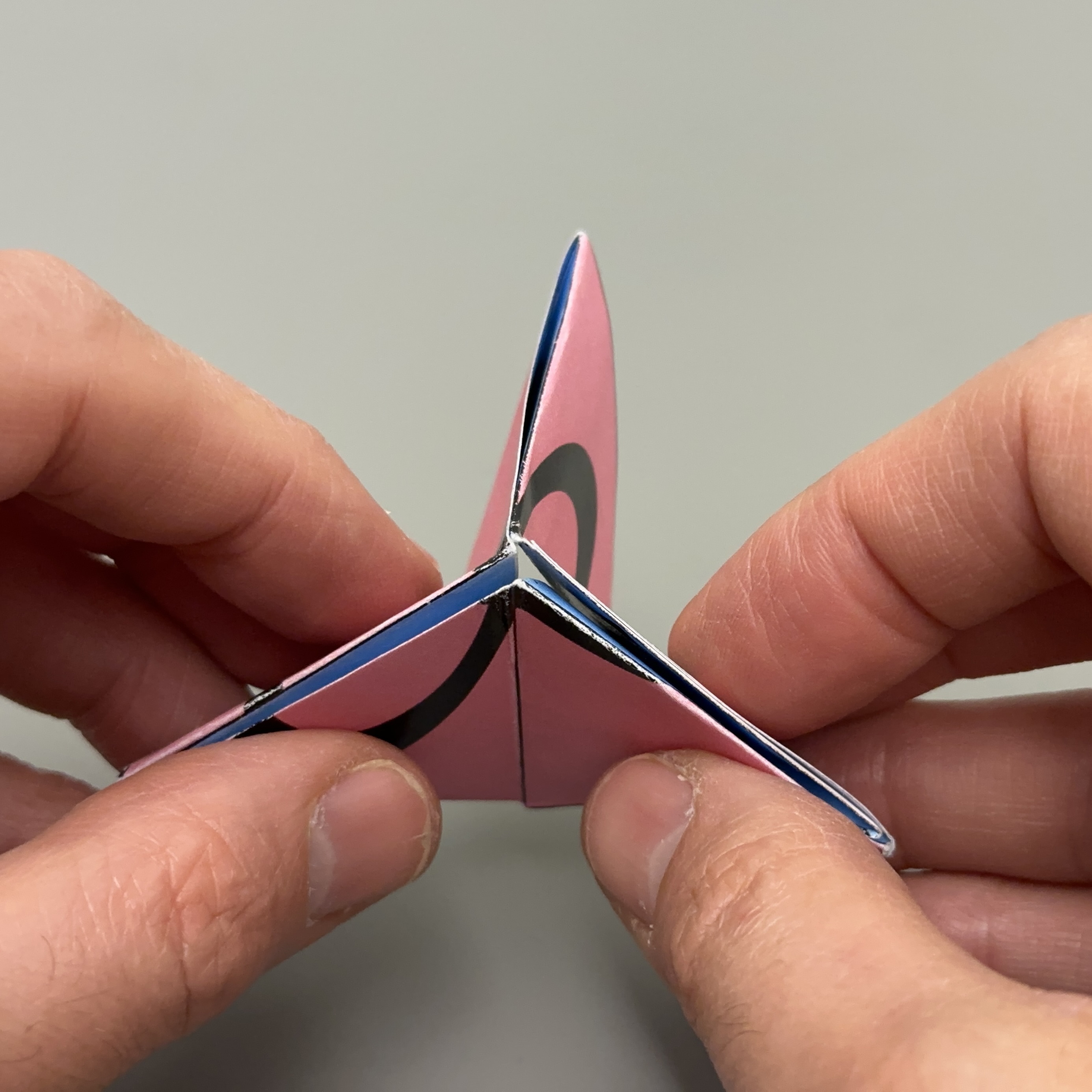
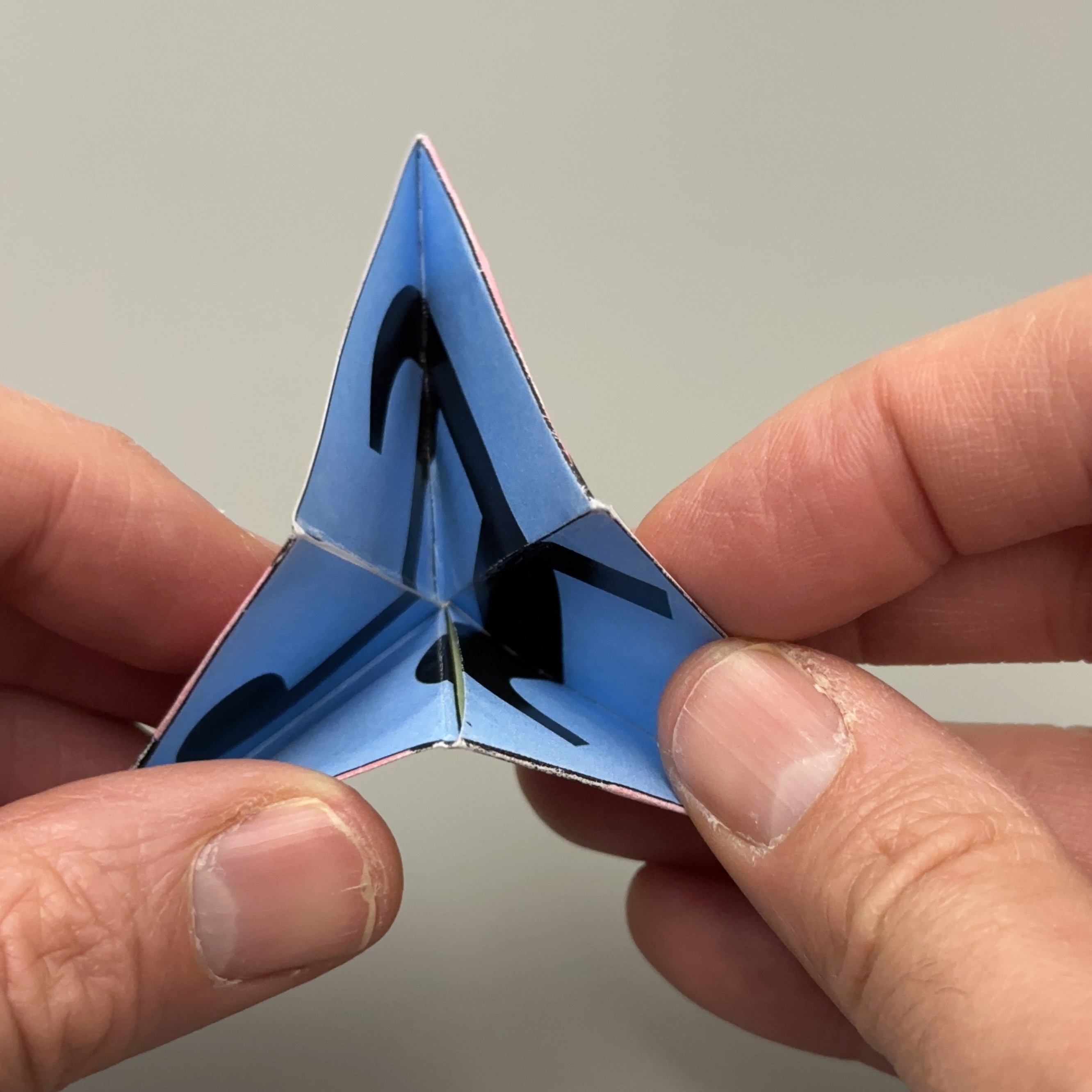
If the embedded video does not load, watch it directly on YouTube: Open video